Made for baptisms

Everything a baptism needs, from the first invitation to the final head count.

Count heads for the luncheon

The service is one thing; the meal after is where you need real numbers. Every reply lands on a single dashboard with meal choices and how many are coming, so the caterer or the family table gets an honest count. No texting relatives the night before.

Godparents and grandparents can co-host

A baptism is rarely planned alone. Add godparents or a grandparent as a co-host and they help add guests, watch replies and share the RSVP dashboard, all on the same view, without you forwarding a single screenshot.

A shared album for the day

Turn on a photo album and everyone who was there can add their pictures in one place: the candid ones from the pews, the family group after, the cake at lunch. No scattered threads, just one gathered set of memories to keep.

A private link for every guest

Each person receives their own private link to their own invitation, with the church details, the time and the luncheon address. They reply right in the browser: no app, no account, and nothing for them to sign up for.


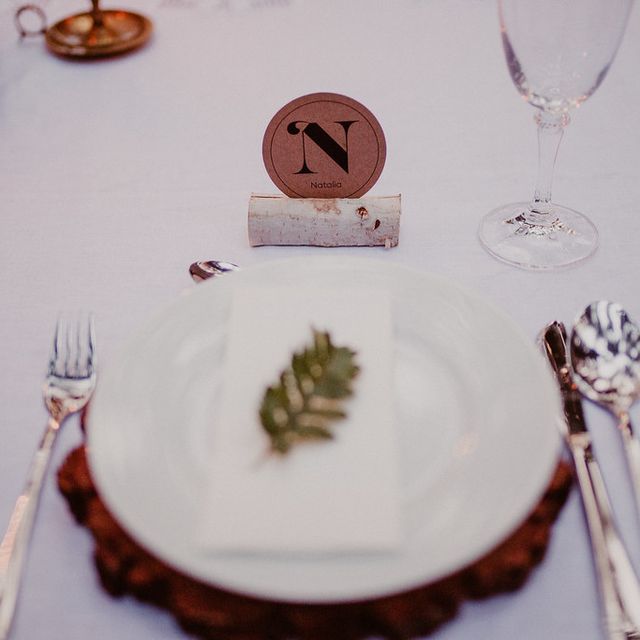
A hand holding a tiny baby sneaker over sunlit grassA candle glowing in a mason jar at an evening receptionAn elegant dinner table place setting
The moments a baptism invitation starts.

Frequently asked questions

Answers about baptism invitations and online RSVP on HeyVite.

How do I send baptism invitations online?
Create your invitation in HeyVite, add your guests, and send by email, or share a private link yourself. Each guest gets their own private link to their own invitation and replies right in the browser, no app or account needed. Every RSVP and meal choice for the luncheon tracks on one live dashboard.
Can I track RSVPs for the luncheon after the service?
Yes. Every reply gathers on one live dashboard with meal choices and a head count for the reception, so you always know how many are coming. You can add custom questions too: high chairs, dietary needs, or whether a guest is joining just the service or the meal as well.
Is the baptism guest list private?
Yes. Every guest receives a private invitation of their own. And with Guest Privacy, included on every plan (free ones too), there is no public guest list and no name search by default. Guests only ever see their own invitation, and only you and your co-hosts ever see the full list of who is coming.
Can godparents or family help plan the day?
Yes. Add godparents, a grandparent or a sibling as a co-host and they can add guests, keep an eye on replies and share the RSVP dashboard from the same view. Everyone plans the christening together, without forwarding screenshots or juggling a group thread.
Can guests share photos from the christening?
Yes. Turn on the shared photo album and anyone who attended can add their pictures in one place: from the service, the family group after, and the luncheon. Everything stays gathered in a single album for you to keep and look back on.
How much does it cost to send baptism invitations?
It is free to start: design and send invitations and track RSVPs with no credit card, and Guest Privacy is included on every plan, free ones too. Paid plans are a single payment for a single event: $15, $45 or $110 depending on the plan, and all they add is a bigger guest list (every design comes included), with no recurring charge.
Ready when you are

Ready to send baptism invitations worth opening?

Choose a design and make it yours.

Free up to 75 guests per eventNo card needed14-day refund if no invitations sent