Online RSVP tracking, without the spreadsheet.
Every reply and plus-one in one clear view, with meal choices on eligible plans.
Product preview. Sample data only.
Charlotte & James
Guest list
Live48 of 62 replied
- Attending
- 41
- Awaiting reply
- 14
- Declined
- 7
Vegetarian 12Standard 29
Why hosts choose it
Use your online RSVP tracker to see who has replied and who still needs a reminder. Your numbers update as guests answer, so you can share a reliable count with the venue or caterer whenever they ask.
Every reply, in real time
Send at 9:02. The first yes can land by 9:07. The dashboard updates as each reply arrives: always the current head count, never a figure from last week.

Meals, plus-ones and dietary notes together
Track attendance and plus-ones on every plan. Meal choices are included with Plus and higher per-event plans and every yearly pass. You can also add Meal Preferences to a lower plan for one event.
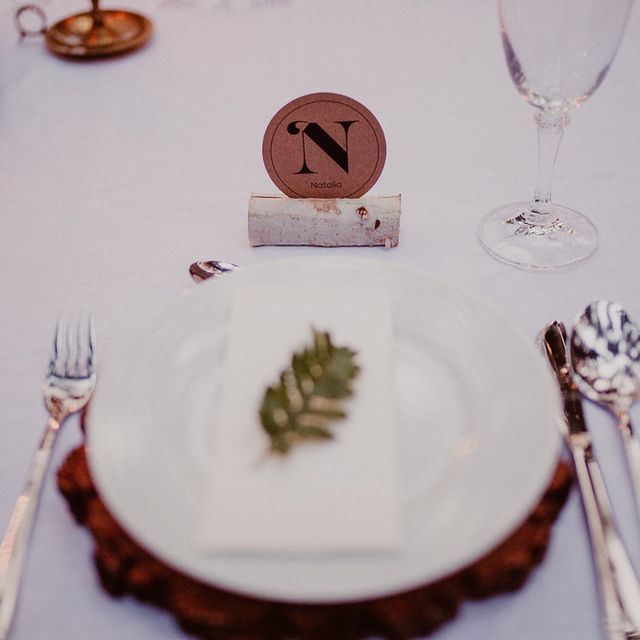
Numbers your caterer can use
Head counts are always calculated for you. When meal choices are enabled, see totals for each option before confirming numbers with your caterer.
Export when you need it
Take your guest list and responses with you as a clean export for seating, place cards or your own records.
How it works
RSVP tracking is included on Free: follow replies, plus-ones and head counts on one live dashboard. Meal choices are included with Plus and higher per-event plans and every yearly pass. You can also add Meal Preferences to a lower plan for one event.
Send your invitations
Each guest receives a private link with their own RSVP form.
Watch replies arrive
Responses and plus-ones appear on your dashboard as guests reply. Meal choices appear when enabled for the event.
Confirm and export
Review your totals, follow up with anyone still deciding, and export the list whenever you need it.
Related features
Features that work alongside RSVP tracking.
Frequently asked questions
Answers about RSVP tracking on HeyVite.
How does RSVP tracking work on HeyVite?
Can I see meal choices and dietary needs?
Can I export my RSVP list?
Do guests need an account to RSVP?
Can guests change their RSVP after replying?
Ready to send invitations worth opening?
Choose a design and make it yours.
Free up to 40 guests per eventNo card needed14-day refund if no invitations sent