The menu, right where they are seated
Upload a menu photo or type it out. Guests see it with their seat, before they even ask.

Why hosts choose it
Guests ask about the food almost as often as they ask about their table. HeyVite puts the answer on the invitation itself: upload a photo of your printed menu or type it out, and it appears for your guests alongside their seating, kept current without a single reprint.
A photo or typed text, your choice
Upload a picture of your printed menu, type the courses out, or do both. Either alone is enough, and the text saves itself as you type.
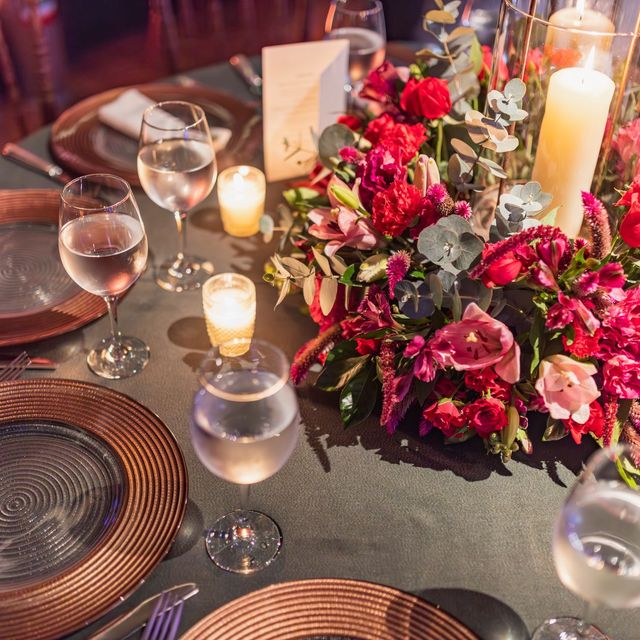
It lives with the seating
The menu appears on each guest's own invitation as part of their event page, right before travel details: one place, no digging.
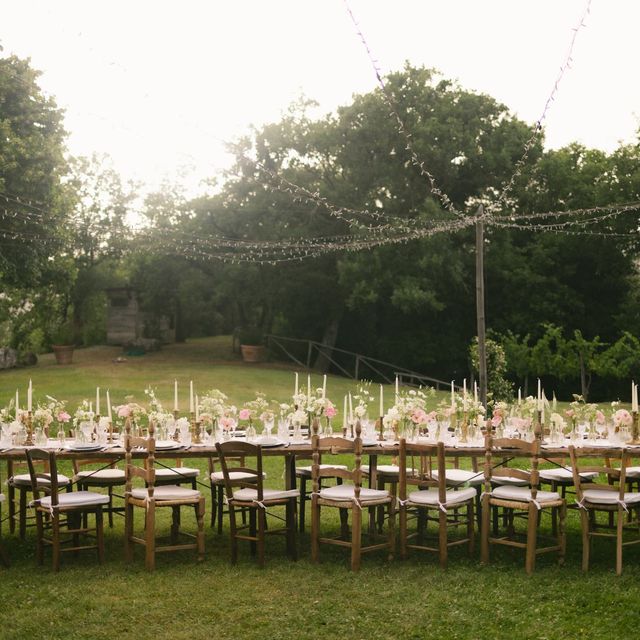
One menu for the day, or one per sub-event
Set a single menu for the whole celebration, or give the reception its own menu alongside its own seating chart.
No reprints, ever
Menu changed by the caterer? Update the image or text and every guest sees the new version immediately.
How does digital menu work?
Open the Menu card
Find it in the Event Day tab, for the whole event or for whichever sub-event you have selected.
Upload or type
Add a menu image from your phone or computer, or type the courses into the text box, or both. Your text saves automatically as you type.
Publish your seating
The menu appears for guests once the matching seating plan is published. Change it any time afterwards.
Related features
Features that work alongside digital menu.
Frequently asked questions
Answers about digital menu on HeyVite.
Do I have to upload a menu image?
Does the menu text save itself?
Can each sub-event have its own menu?
When can guests see the menu?
Can I change the menu after publishing?
Does the digital menu cost extra?
Ready to send invitations worth opening?
Choose a design and make it yours.
Free up to 75 guests per eventNo card needed14-day refund if no invitations sent